Information not found !
Store : Information not found !
category : ( Information not found ! )
Description
:Information not found !
Price : Out of stock



Guide
Store Registration Steps:
To register a store, first enter your mobile number in the form below.
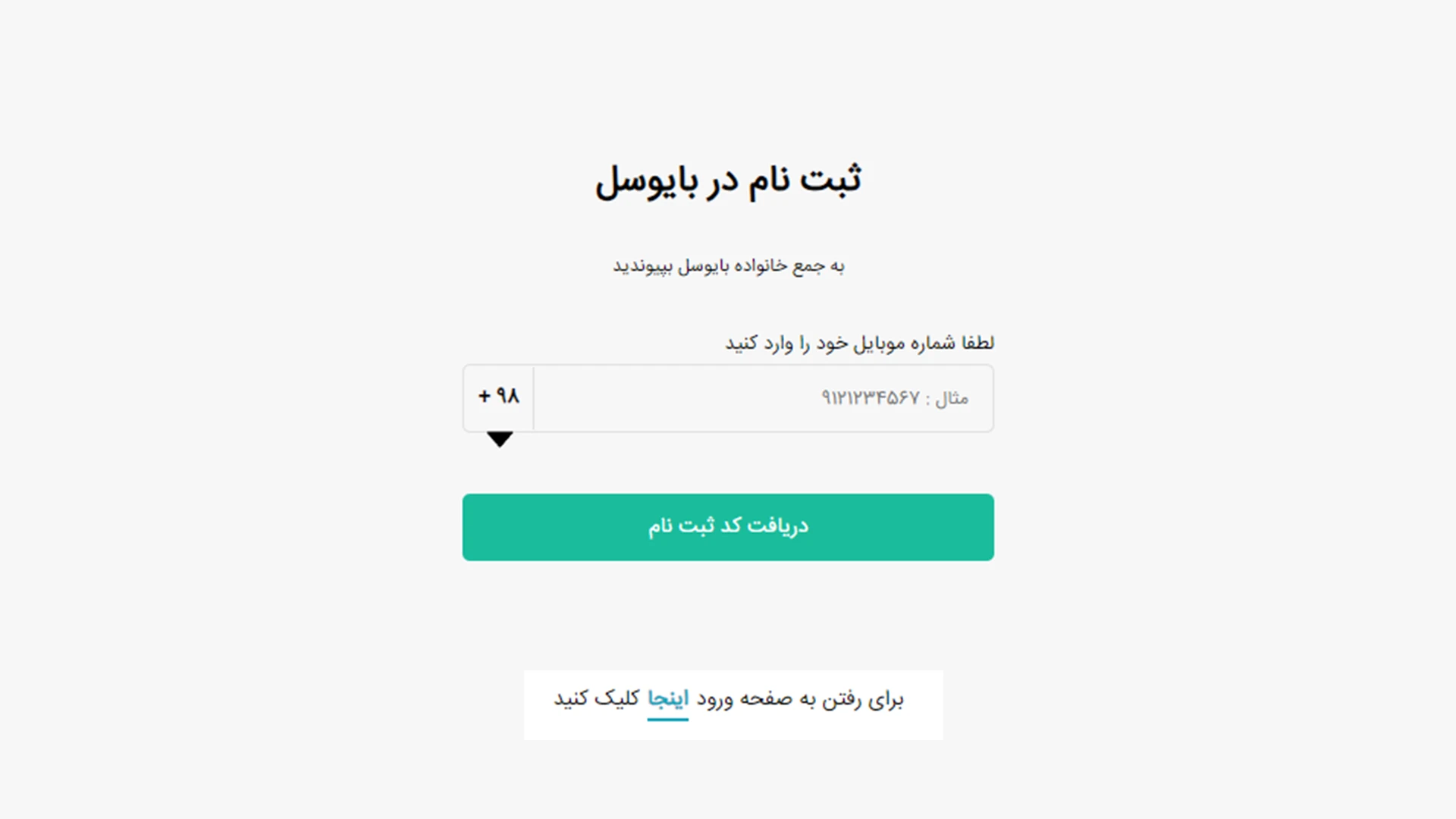
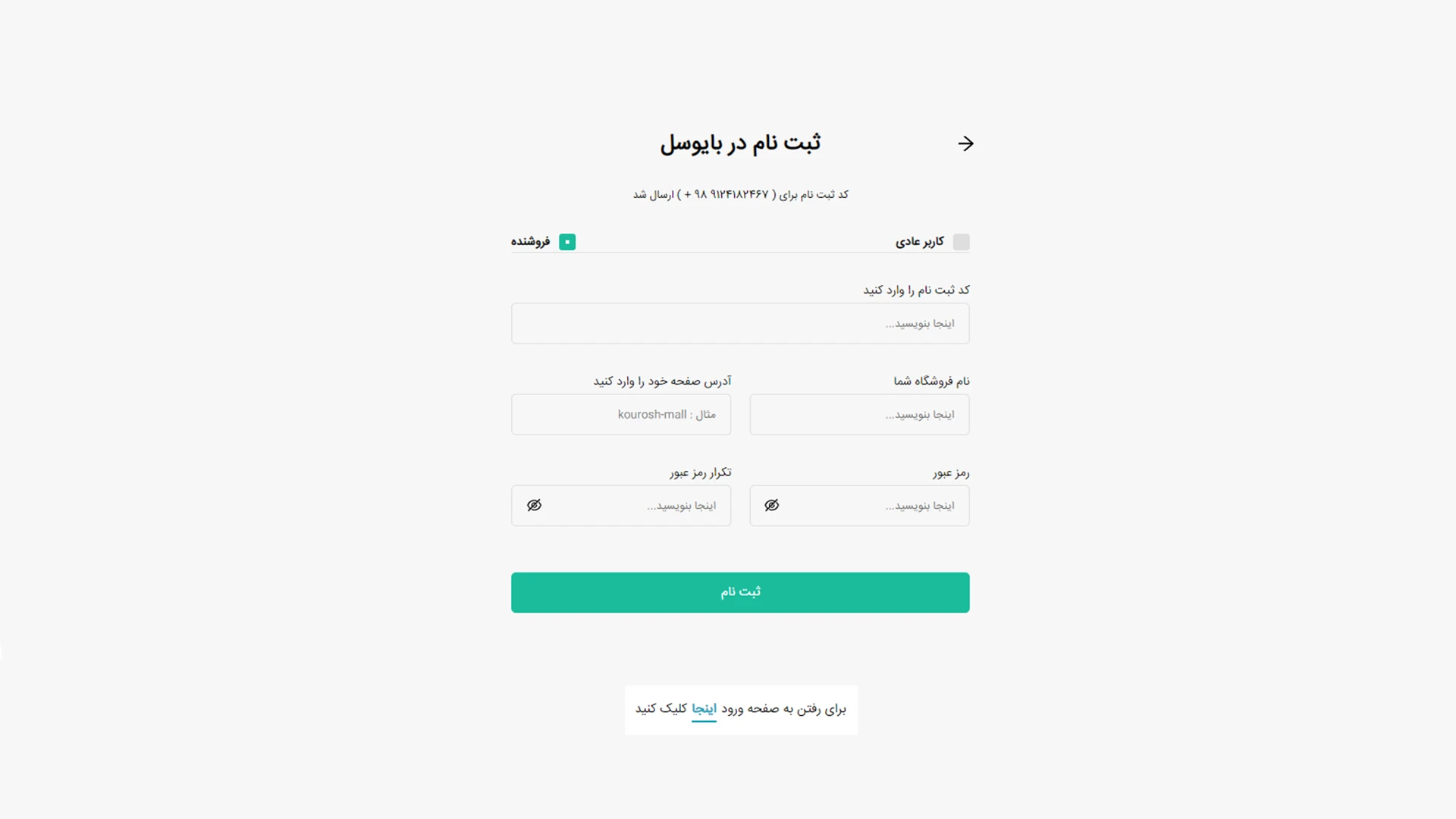
After entering your mobile number, a login code will be sent to you. After entering the verification code, enter the name and web link of your store.
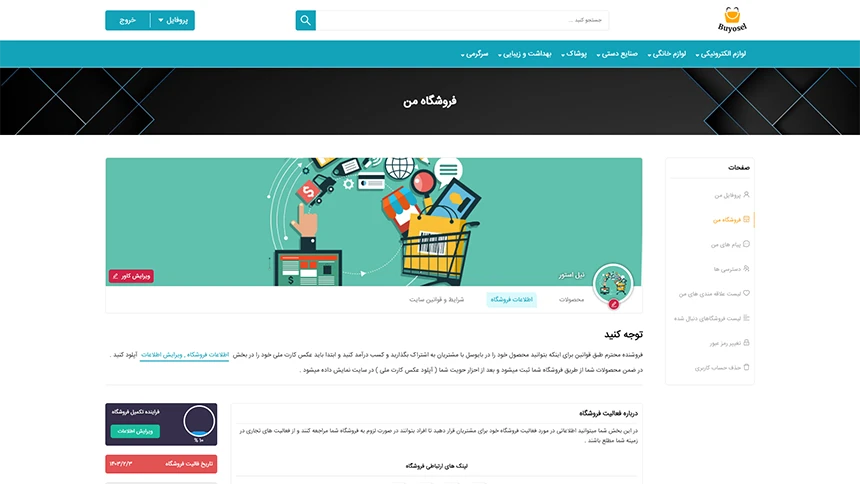
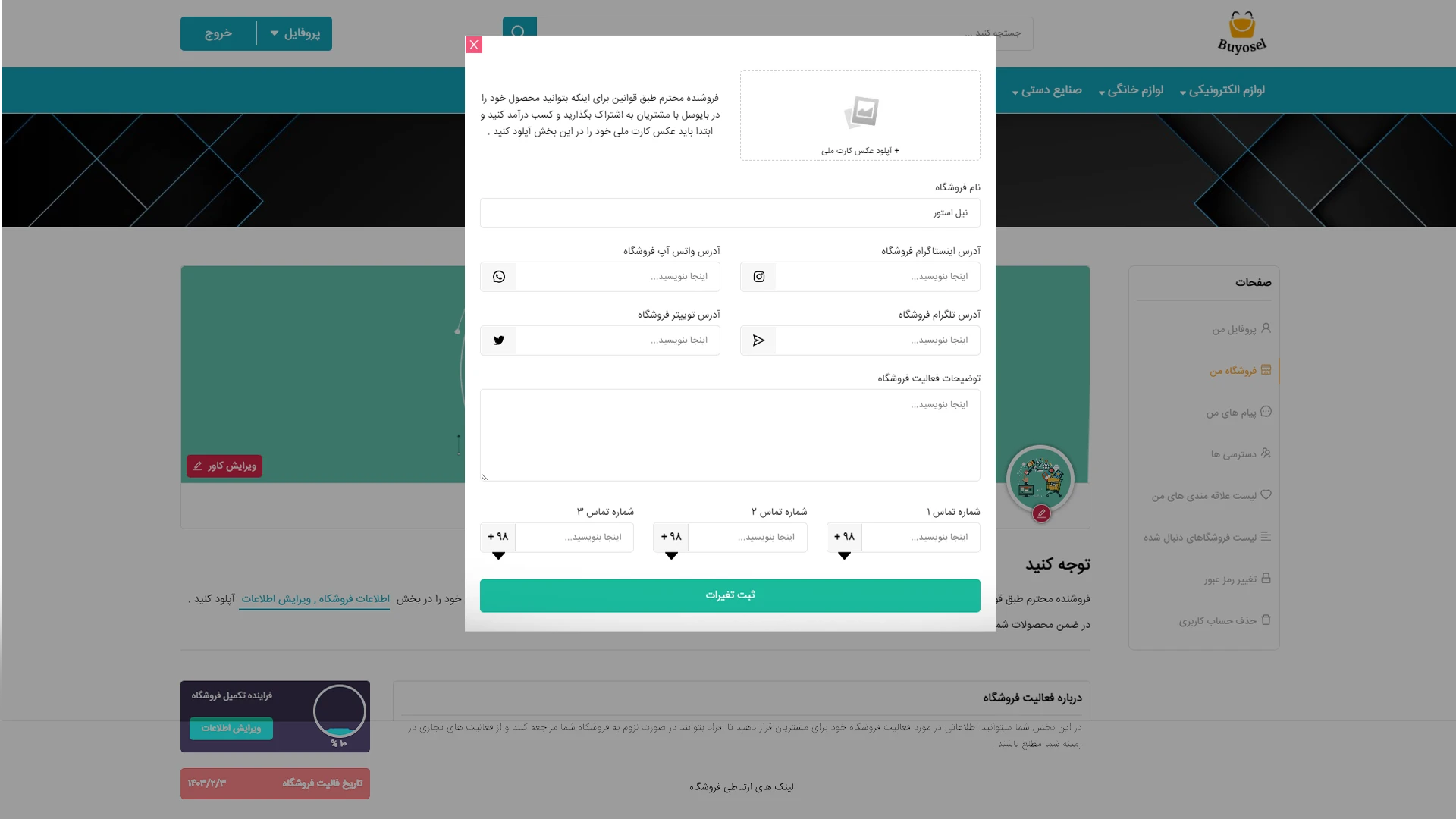
Dear seller, according to the rules, in order to be able to share your product with customers on Biocell and earn money, you must first upload a photo of your national ID card in the store information section, edit information.
In addition, your products will be registered through your store and will be displayed on the site after verifying your identity (uploading a photo of your national ID card).
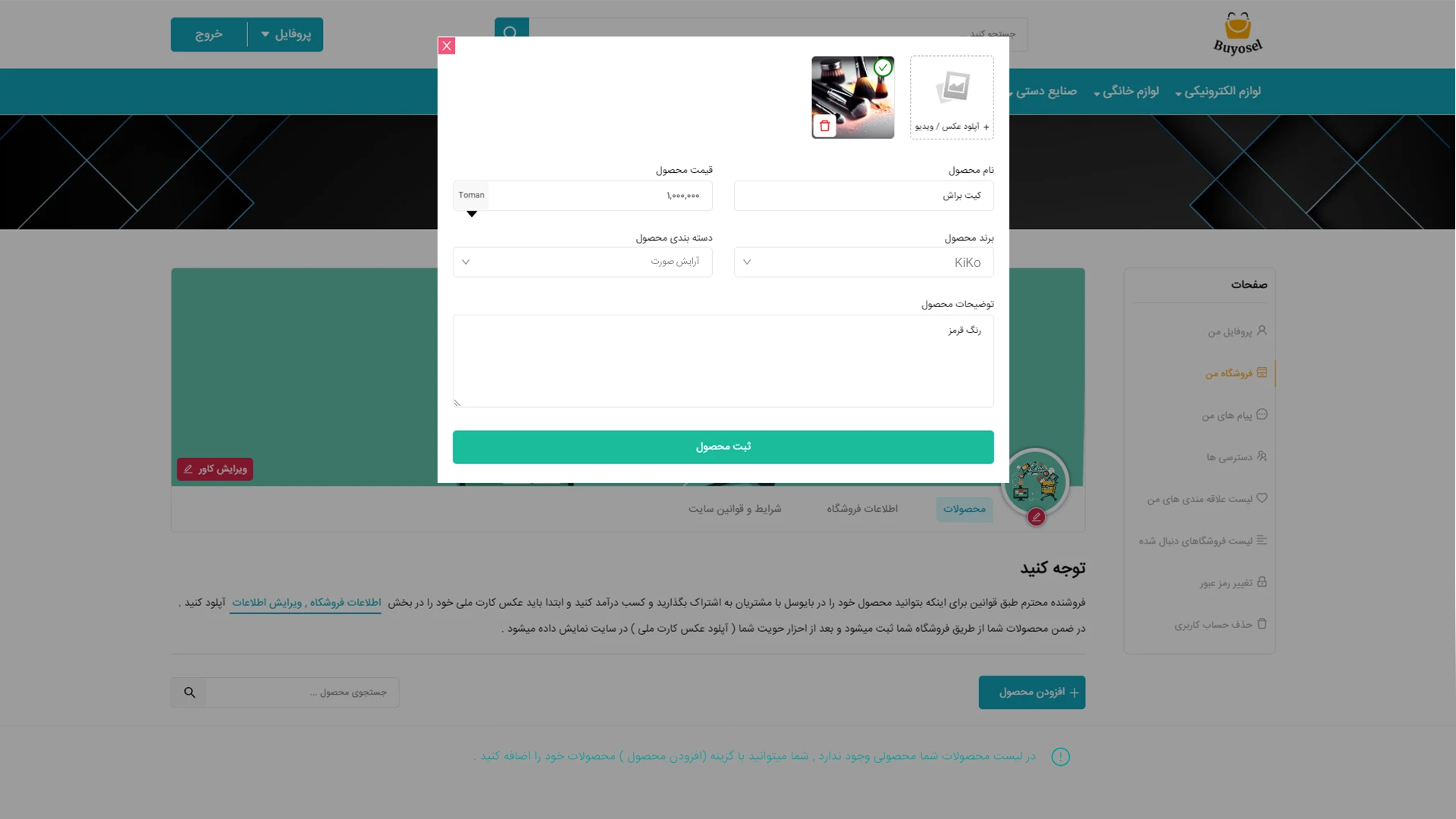
Product Management:
Dear Seller, you can manage your products in the Products section.
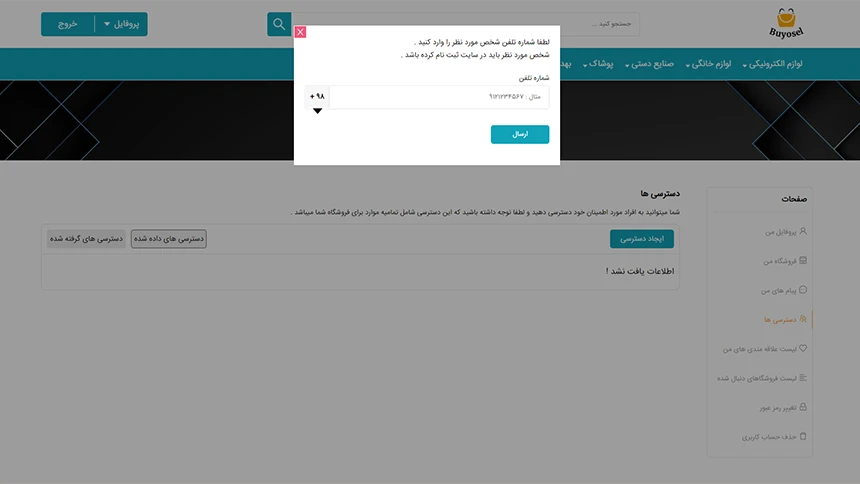
How to give a user access to manage your store:
You can give access to your trusted people and please note that this access includes everything for your store.
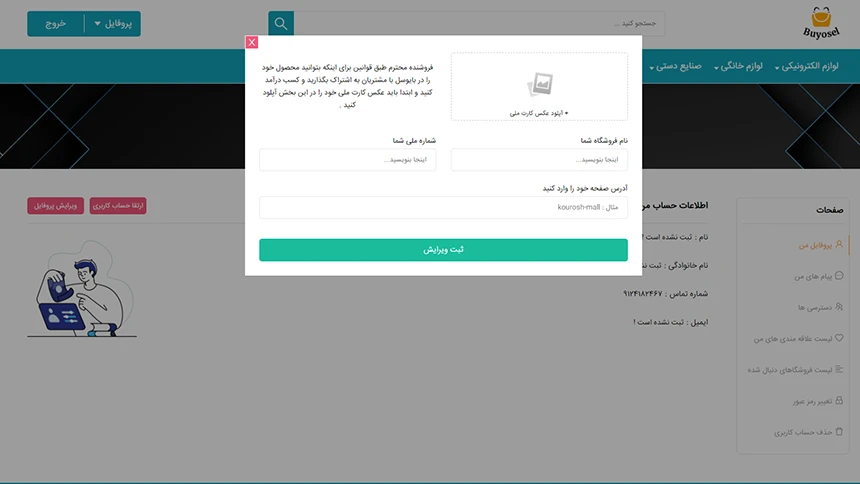
Upgrade your regular user account:
If you have registered with a regular user account, you can register your information and store in the My Profile section after selecting the Upgrade Account option in the form below.
Stores
Sign up to receive our newsletter
Get the latest information about events, sales, and offers


? Do you have any questions
info@buyosell.net
Contact information
+1 (877)886-1996
604 4849 600
212-707 Como lake ave, Coquitlam, BC
- My account
- Login
- Register
- Forgot Password